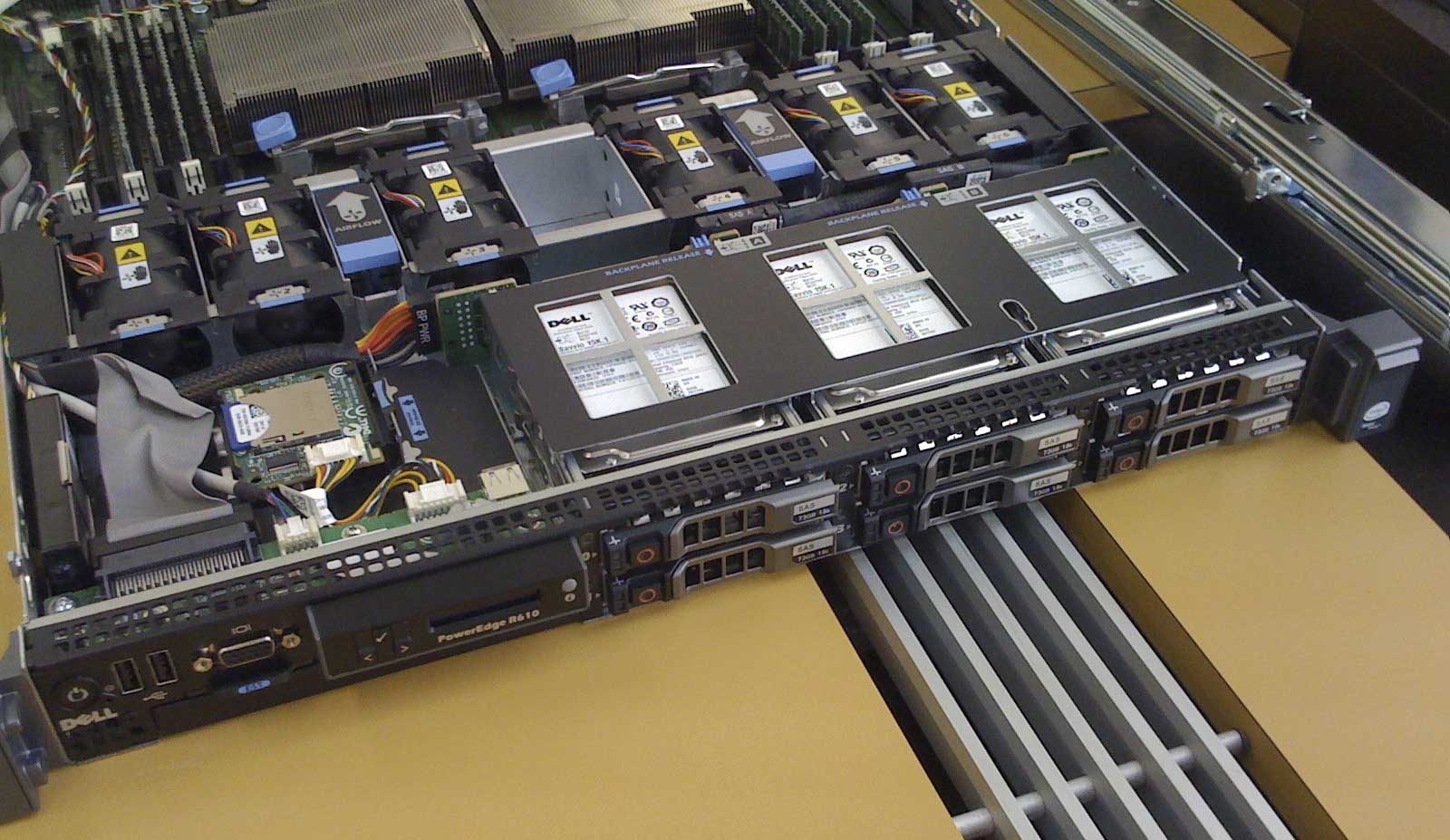
Whether we’re changing out hard drives, replacing fans, rewiring racks, swapping out power supplies, or just dusting and cleaning our equipment, servers need regular maintenance and attention to keep running.
The problem is that we sometimes have to take these servers offline, even just for a few seconds or minutes, while this maintenance takes place. If we don’t plan things correctly and set up maintenance times in our monitoring software, these planned periods of maintenance could show up as unplanned downtime.
We’ve built Server Check with this in mind. You can set a maintenance window for each individual monitor so that checks are not run during your hours of maintenance and no unexpected downtime statistics will be logged.
Double-click the individual monitor in the Monitors window, and in the Edit window make sure Run All Day is unchecked. Now you can set a Start Time and End Time for monitoring, and outside of these hours, Server Check will put these monitors to sleep. You can check in the Monitors window or in the web interface to see if any of your monitors are currently sleeping – if any of them are, they will show as SLEEPING in the Status column.
And yes, you can set start and end times that cross midnight, so a start time of 21:00 and an end time of 03:00 will keep the monitor alive for six hours, crossing midnight. Once 3:00am comes along it will go to sleep until 9:00pm that evening, when it will wake up again.
Server Check makes it easy to start monitoring your servers – whether its 24/7 monitoring, or only between certain start and end times – so that you can keep track of uptime and downtime, without maintenance time inccreasing your downtime statistics.
Not using Server Check yet? Start monitoring up to 10 Ping or HTTP monitors for FREE, and FOREVER! Download Server Check right away – it only takes five minutes to install and get going!